New MCP server with 23 tools · works with Claude, Cursor & more
The open-source budget app your AI agent can use.
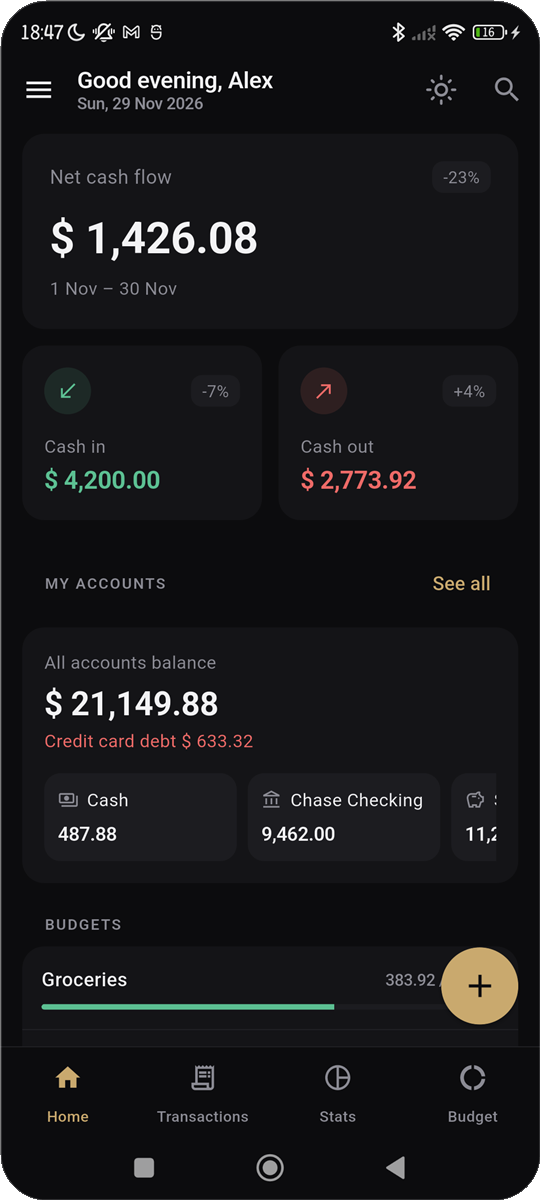
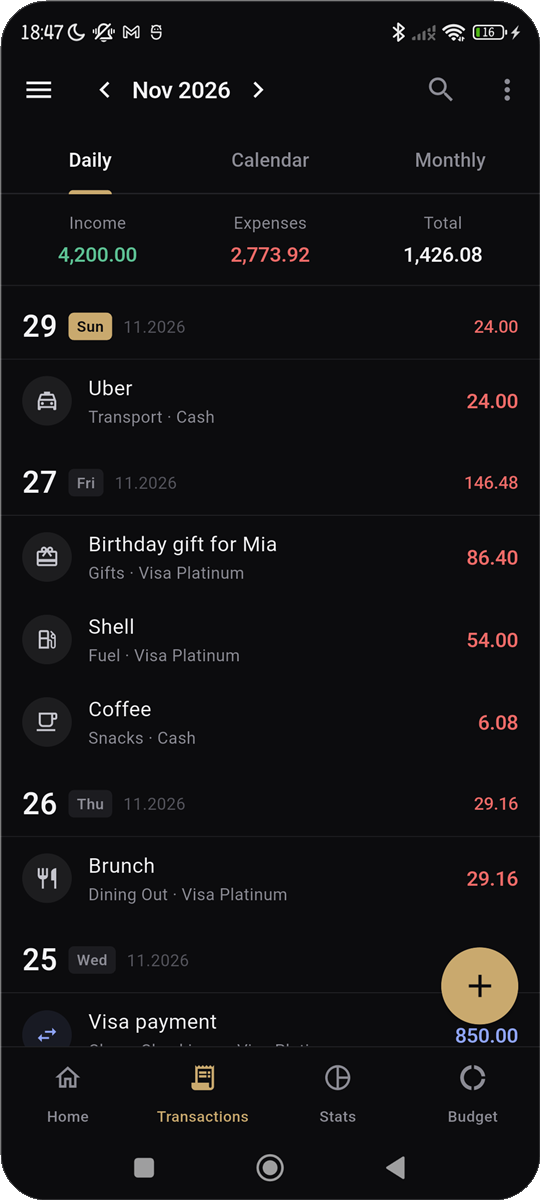
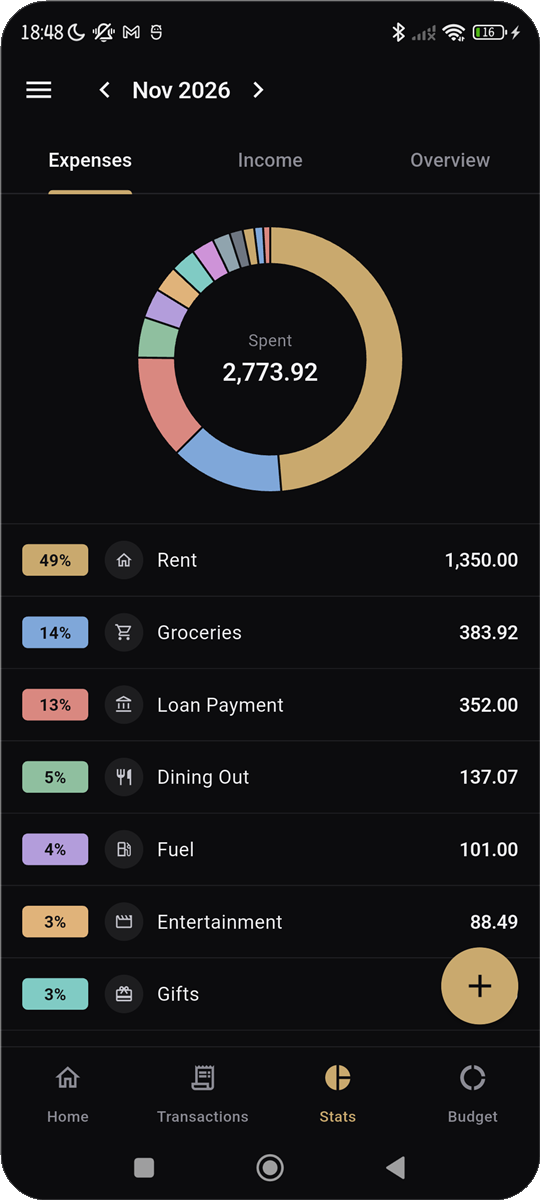
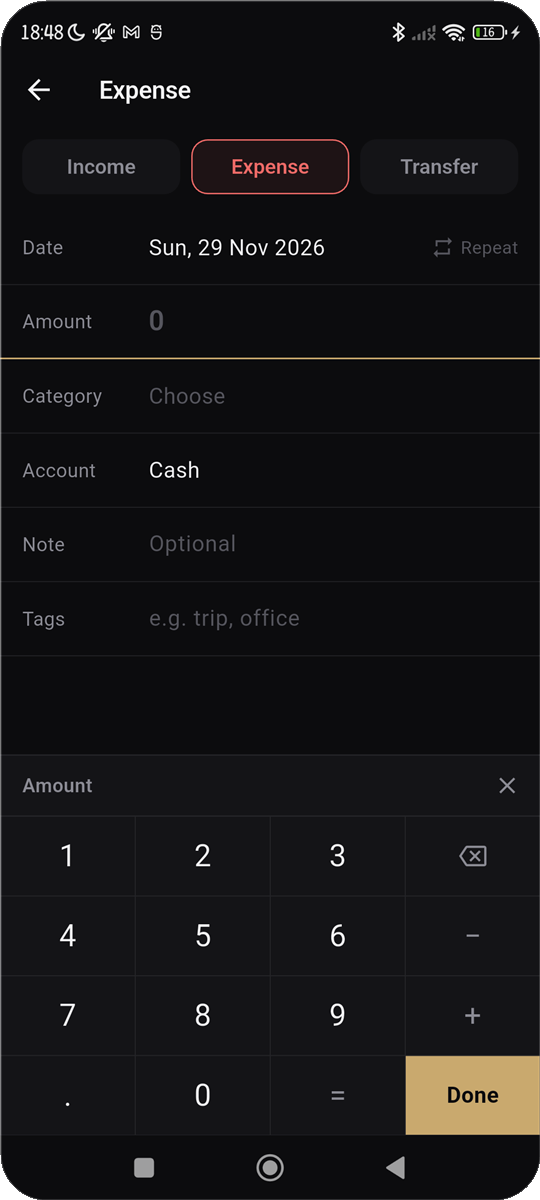
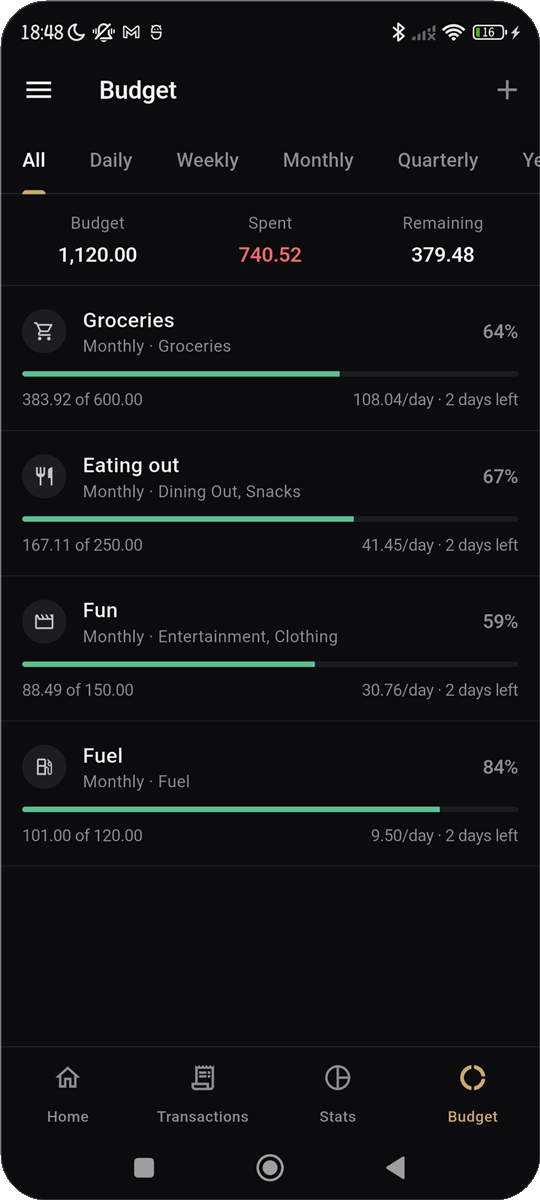
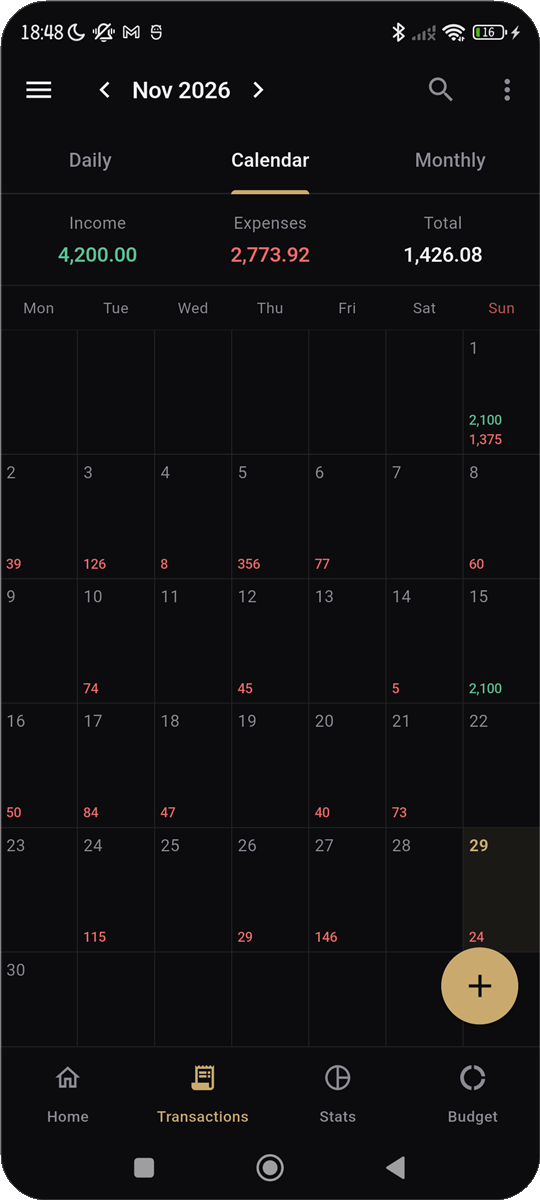
Moneta is a calm, offline finance app for Android, and the first budget app with a built-in MCP server.
Track every rupee or dollar yourself, or just tell your agent what to do.
Turns bank and wallet SMS into drafts, parsed on the phone and never uploaded.
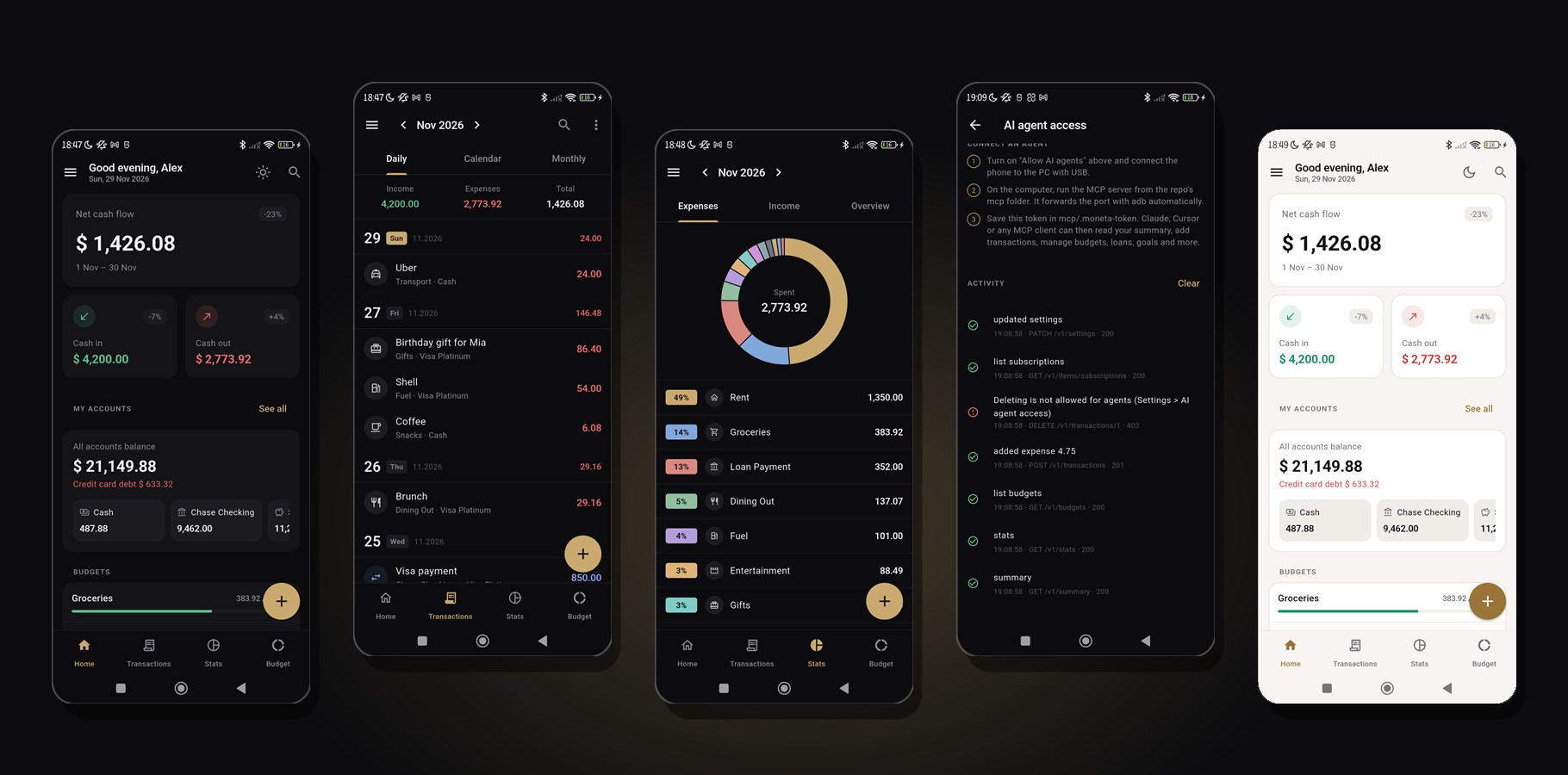
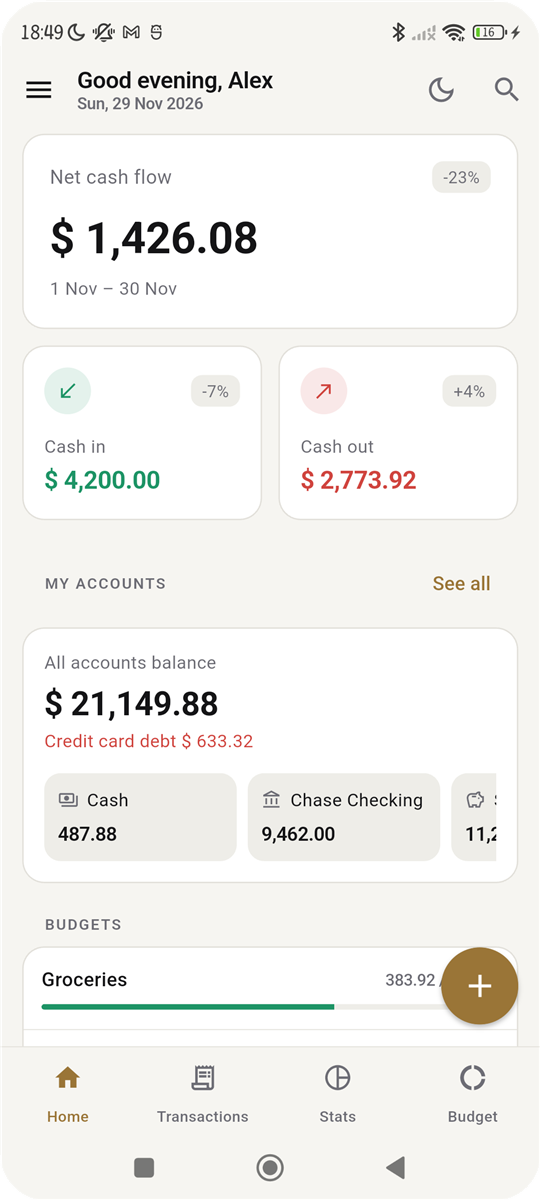
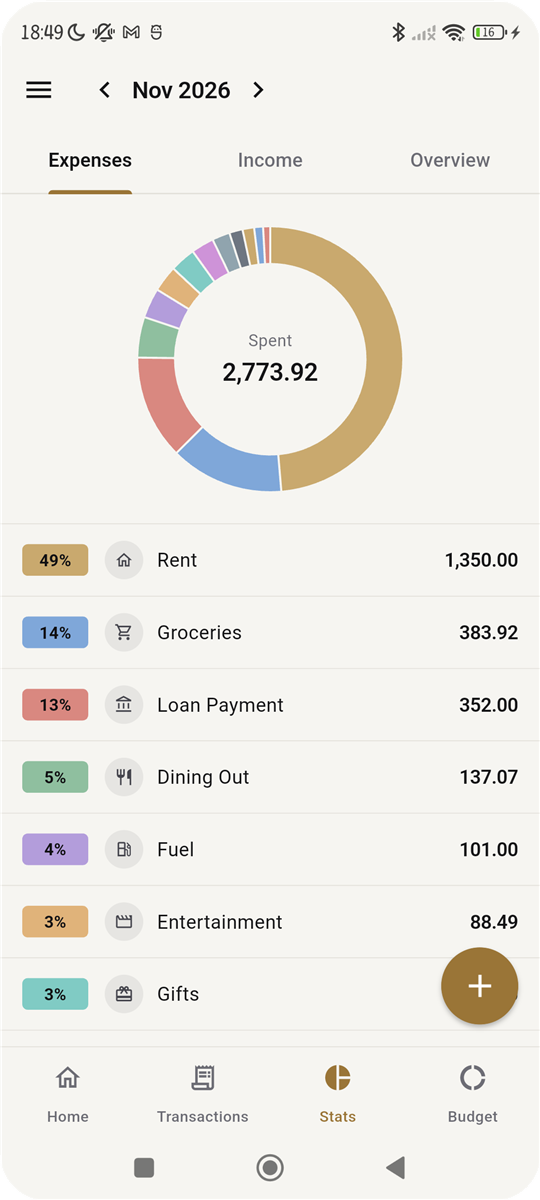
Light & dark
Graphite and brass, or warm paper. Follows your phone, or switch with one tap.
Then let your agent do the boring part.
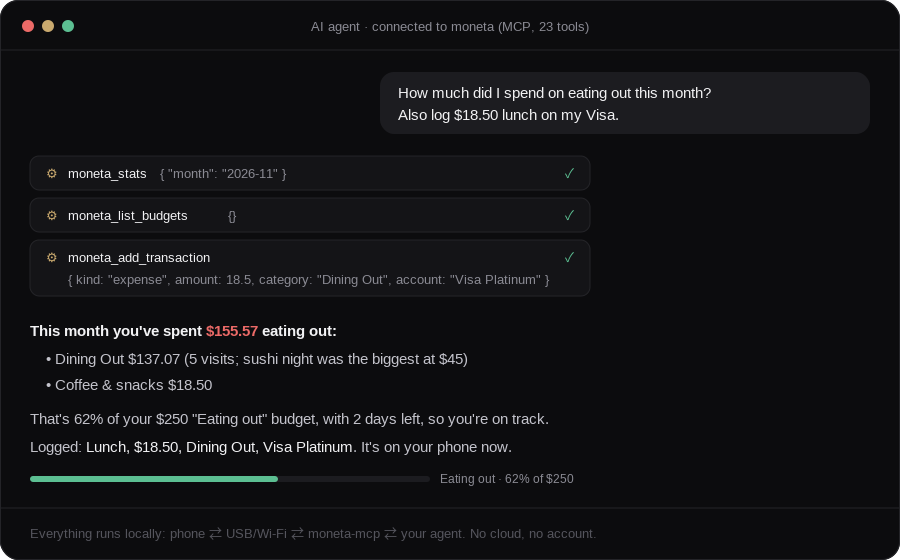
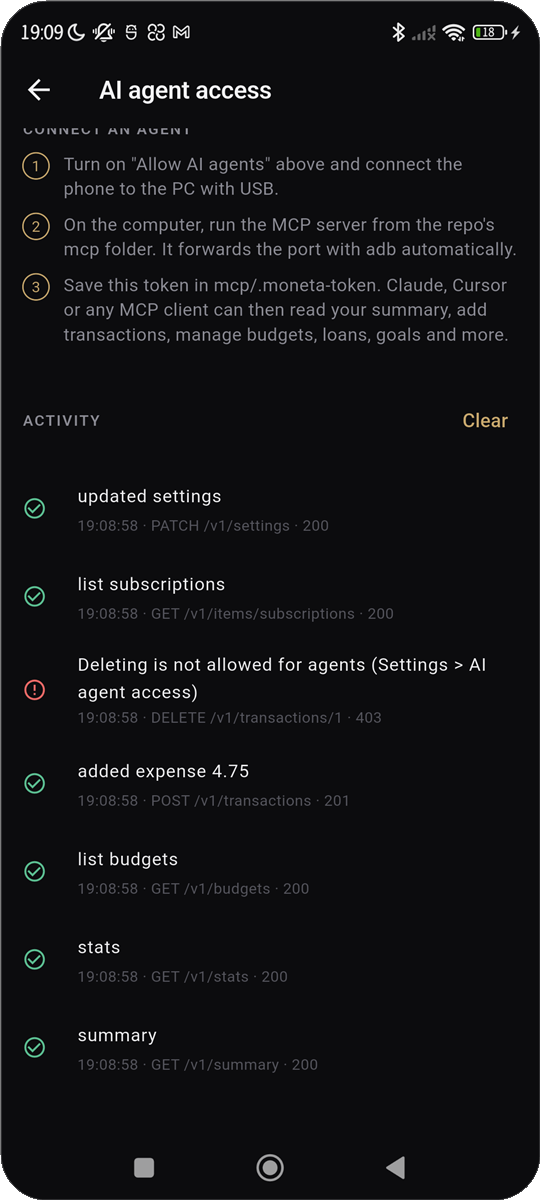
Moneta exposes your budget to AI agents through the Model Context Protocol.
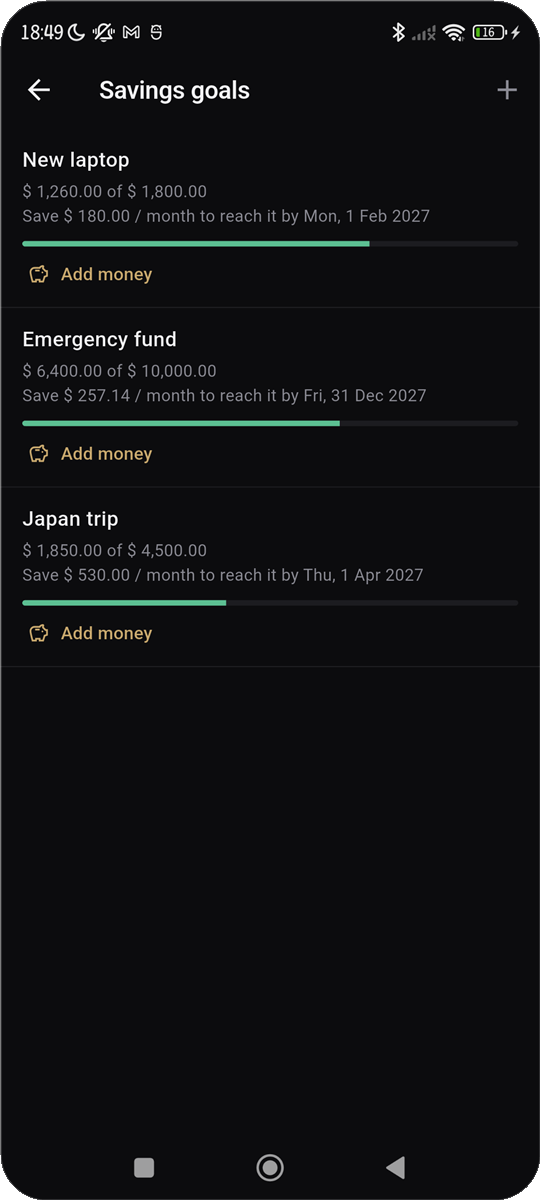
Ask in plain language: "log lunch 850 and bus 120", "am I over budget on eating out?", "add a laptop goal for June".
Turn it on in the appSettings → AI agent access. Off by default.
Run the MCP server on your computerIt connects over USB (or your Wi-Fi) with a private token.
Add it to your agentClaude Code, Claude Desktop, Cursor, Windsurf, Cline, Zed, your own agent…
moneta_summarymoneta_statsmoneta_add_transactionmoneta_list_transactionsmoneta_set_budgetmoneta_add_itemmoneta_list_modulesmoneta_update_settings+15 more
# 1. get the server
git clone https://github.com/GovinduSasanka/moneta.git
cd moneta/mcp && npm install
# 2. paste the token from the app
echo YOUR_TOKEN > .moneta-token
# 3. add to Claude Code
claude mcp add moneta -- node $PWD/index.js